
Describe the answers and their quality
Source:vignettes/articles/docs/methods/describing-data.Rmd
describing-data.RmdThese methods describe who answered what, how complete the answers are, and which responses the quality checks flag.
Assumptions. None beyond the data: these describe, they do not test.
In SurveyStudio, open Plan on the Design screen, add a research question and choose the method. Set the answers to describe. Missing data and quality checks cover the whole response set. Declare the hypotheses and the decision rule before collecting responses.
Frequencies and percentages
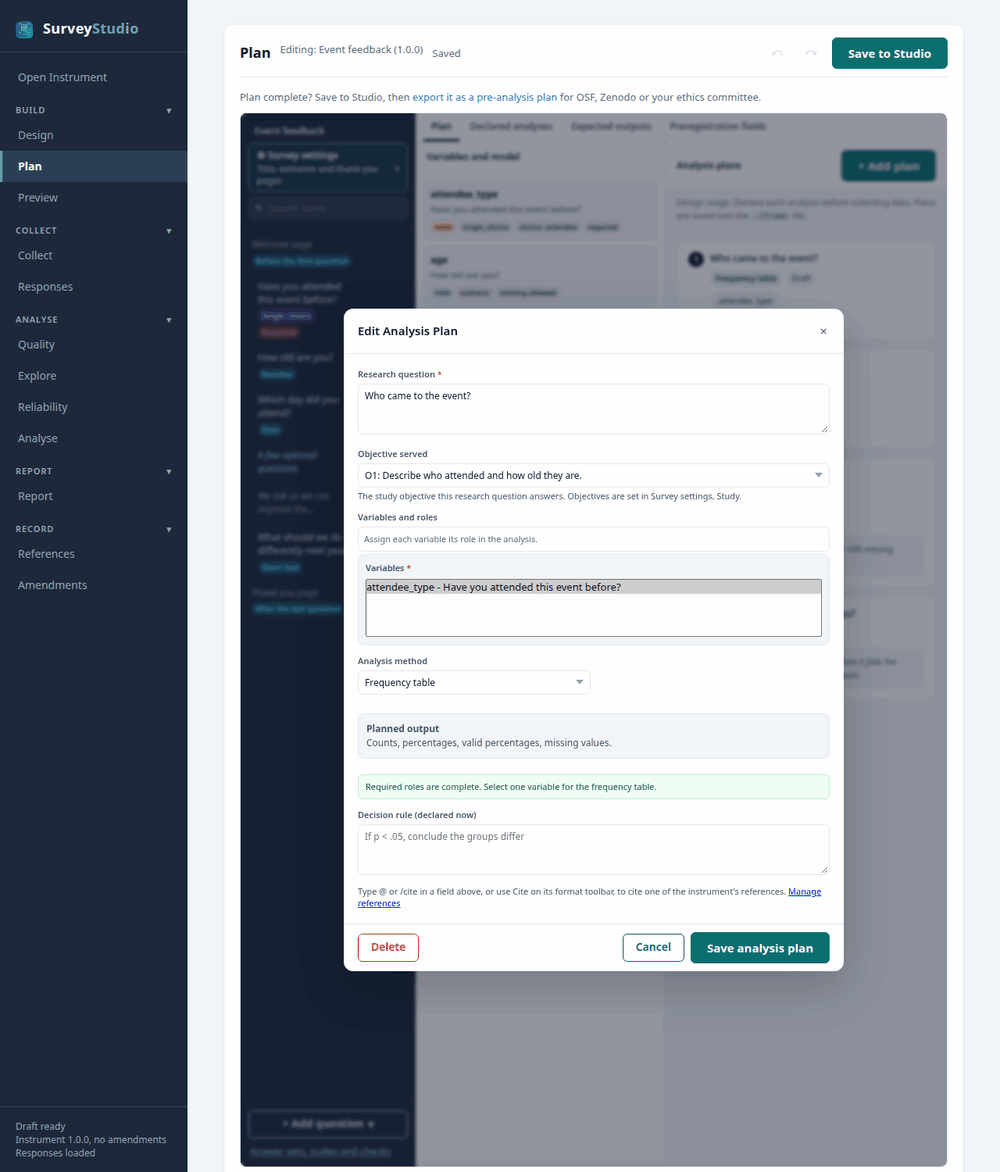
first_survey demo.In the pre-analysis plan:
RQ1. Who came to the event?
In the report: the APA 7 sentence and a table, with a chart where the method has one, each titled with the research question.
Descriptive statistics
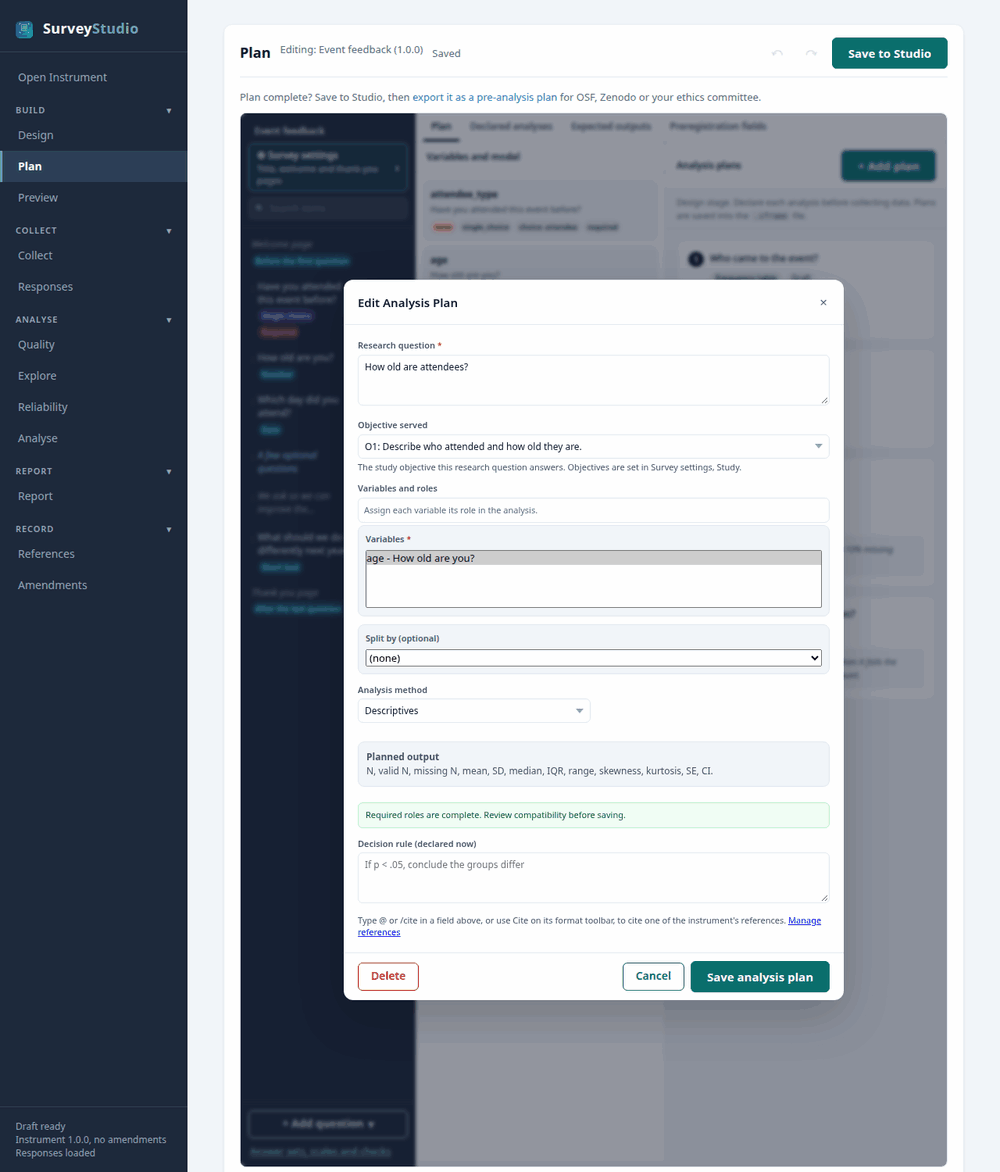
first_survey demo.In the pre-analysis plan:
RQ2. How old are attendees?
In the report: the APA 7 sentence and a table, with a chart where the method has one, each titled with the research question.
Missing-data summary
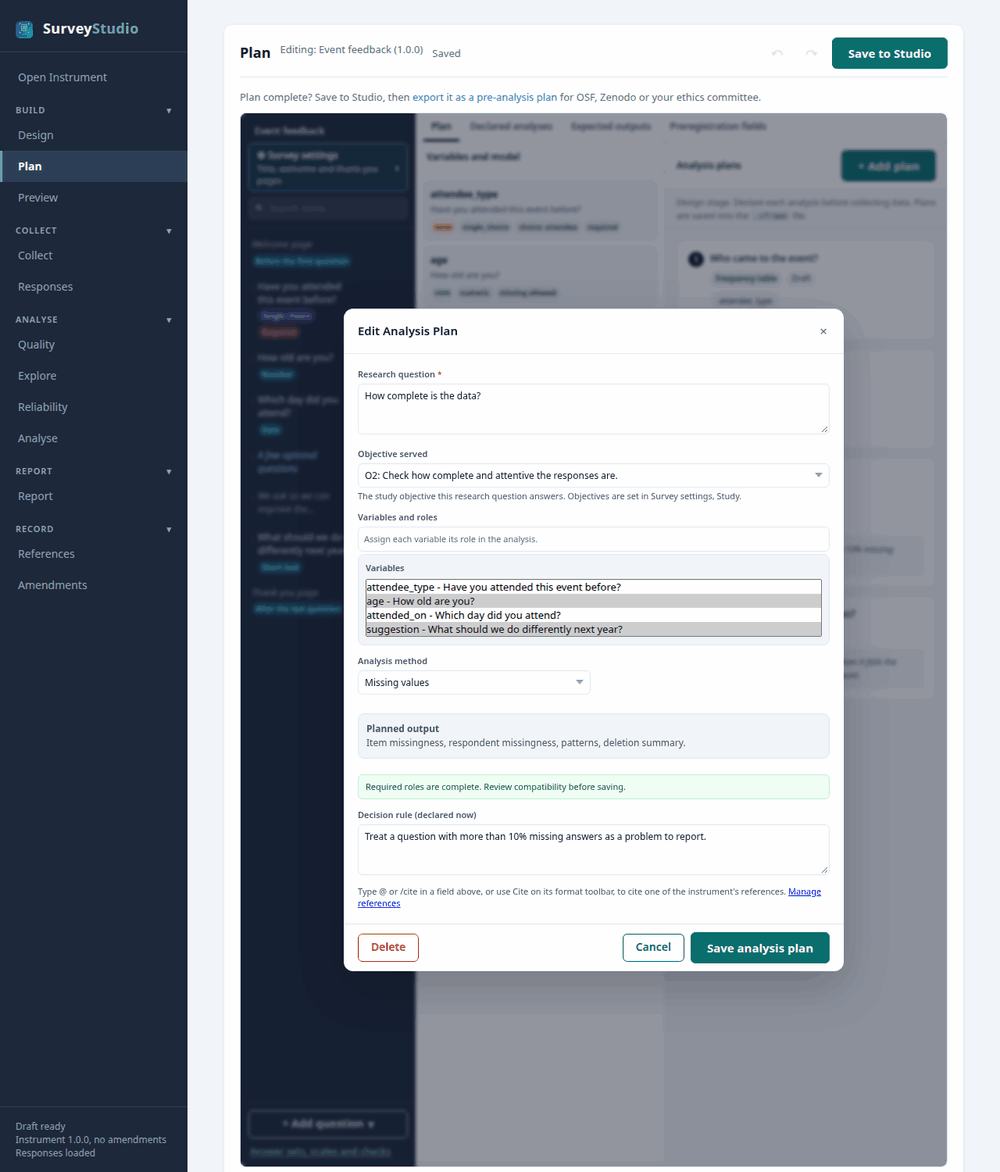
first_survey demo.In the pre-analysis plan:
RQ3. How complete is the data? Planned decision rule: Treat a question with more than 10% missing answers as a problem to report.
In the report: the APA 7 sentence and a table, with a chart where the method has one, each titled with the research question.
Response quality checks
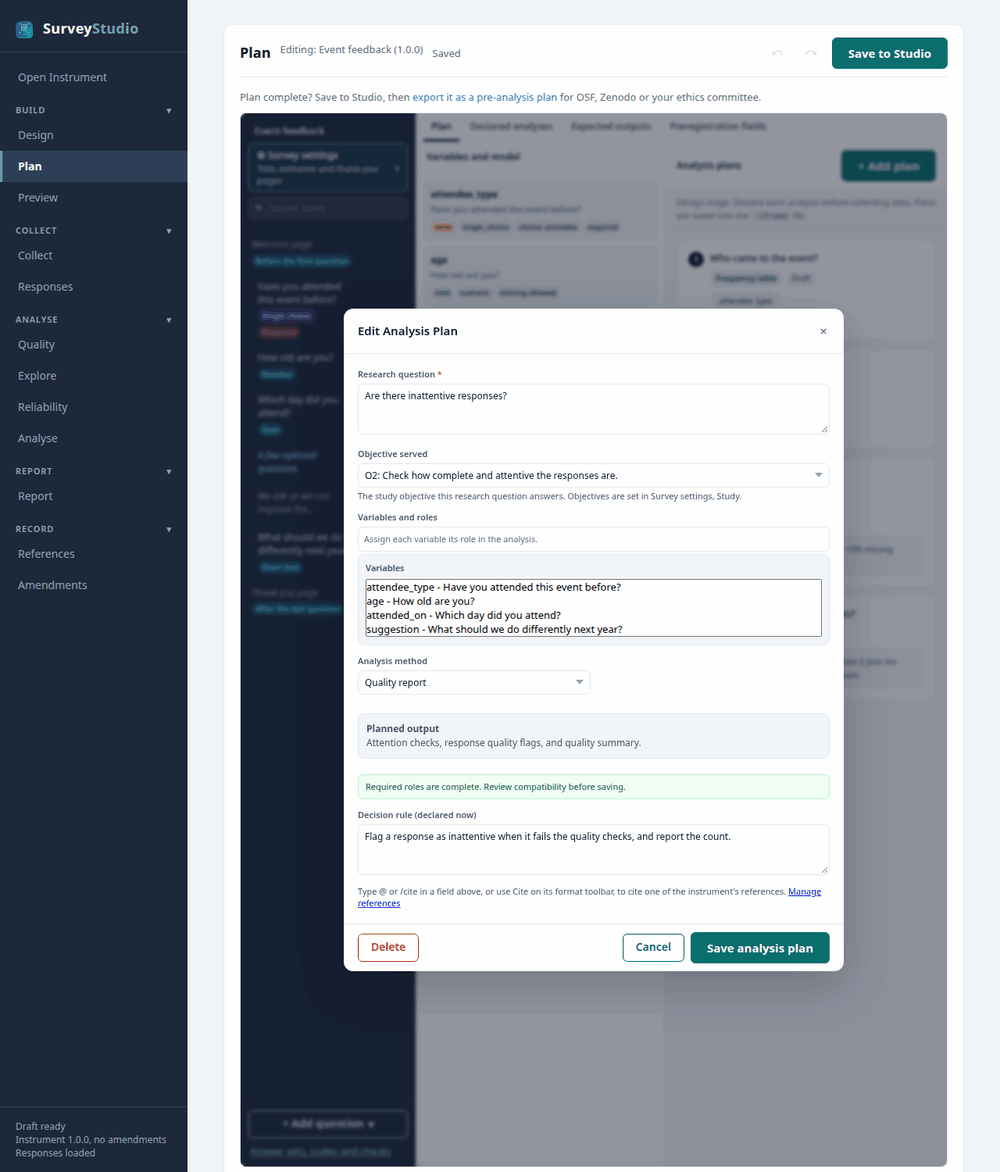
first_survey demo.In the pre-analysis plan:
RQ4. Are there inattentive responses? Planned decision rule: Flag a response as inattentive when it fails the quality checks, and report the count.
In the report: the APA 7 sentence and a table, with a chart where the method has one, each titled with the research question.