
Add a choose-any question
Source:vignettes/articles/docs/question-types/multiple-choice.Rmd
multiple-choice.RmdDocumentation / Question types
Add a question, choose Multiple choice, and give the options the respondent may tick.
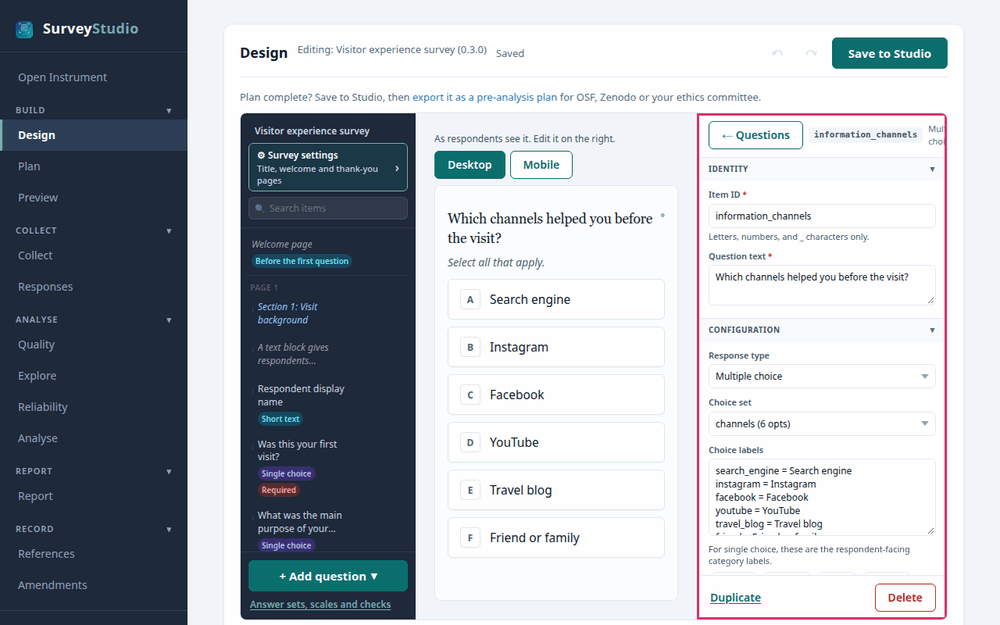
SurveyStudio’s Design screen with the choose-any
question selected and its settings panel outlined.
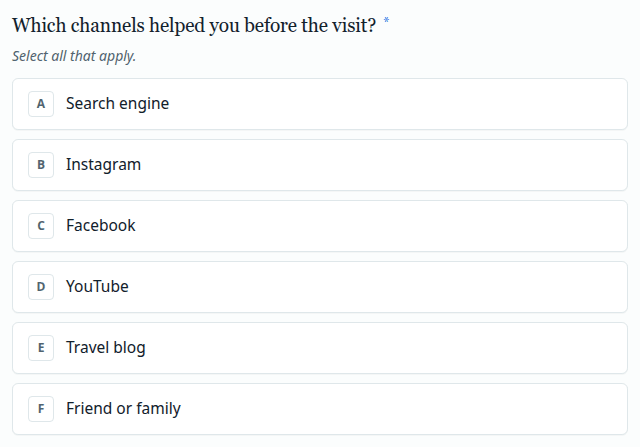
Settings
- Choice set. Add the answer options. Each becomes its own column in the data, ticked or left blank.
- Required. Tick it to require at least 1 answer.
Best practices for research
Prefer asking yes or no for each option when every option matters: a choose-any list makes an unticked box ambiguous.
Reference: Dillman, D. A., Smyth, J. D., & Christian, L. M. (2014). Internet, phone, mail, and mixed-mode surveys: The tailored design method (4th ed.). Wiley.