
Add a single-choice question
Source:vignettes/articles/docs/question-types/single-choice.Rmd
single-choice.RmdDocumentation / Question types
Add a question, choose Single choice, and give the options the respondent picks 1 from.
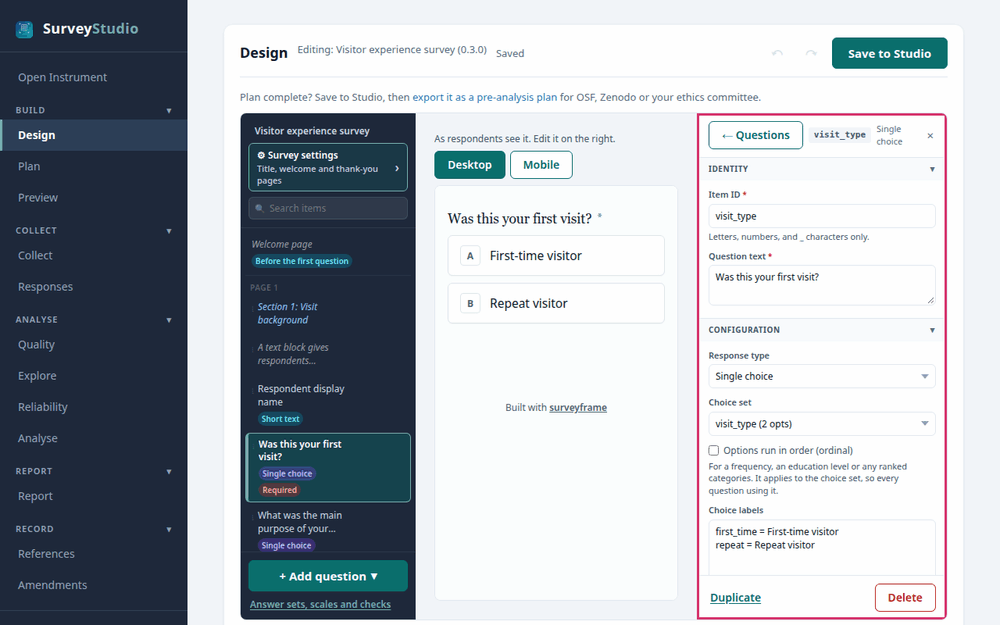
SurveyStudio’s Design screen with the
single-choice question selected and its settings panel outlined.
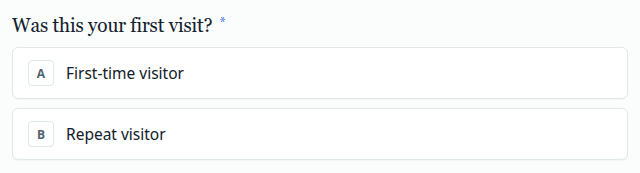
Settings
- Choice set. Add the answer options, each with the label respondents see and the code stored in the data.
- Other, please specify. Tick it to add a text box for an answer the options miss, kept beside the code.
- Ordered. Tick it when the options follow a meaningful sequence, such as low, medium and high, so the analysis treats them as ranked.
Best practices for research
Make the options exhaustive and mutually exclusive, or add Other: a respondent with no fitting option guesses.
Reference: Krosnick, J. A., & Presser, S. (2010). Question and questionnaire design. In P. V. Marsden & J. D. Wright (Eds.), Handbook of survey research (2nd ed., pp. 263-313). Emerald.