
Customer satisfaction survey
Source:vignettes/articles/templates/customer-satisfaction-survey.Rmd
customer-satisfaction-survey.RmdA customer study of return intention: whether customers who use a service more come back, and how that use relates to their satisfaction and the offer they prefer. surveyframe gives you the questionnaire, a plan with logistic regressions declared in advance, and the report.
Preview the questionnaire
This is the questionnaire as respondents see it. It is a preview to try, and it stores no answers. Open the Customer satisfaction survey preview in a new tab.
The example analysis plan
Before any data is collected, surveyframe writes the pre-analysis plan: the study, the questionnaire, each research question with its hypotheses, method and decision rule, and the fields a preregistration still asks you to complete. Read the Customer satisfaction survey plan, or download the Customer satisfaction survey instrument (.sframe) to adapt it.
Methods it declares: Binary logistic regression, Ordinal logistic regression, Multinomial logistic regression.
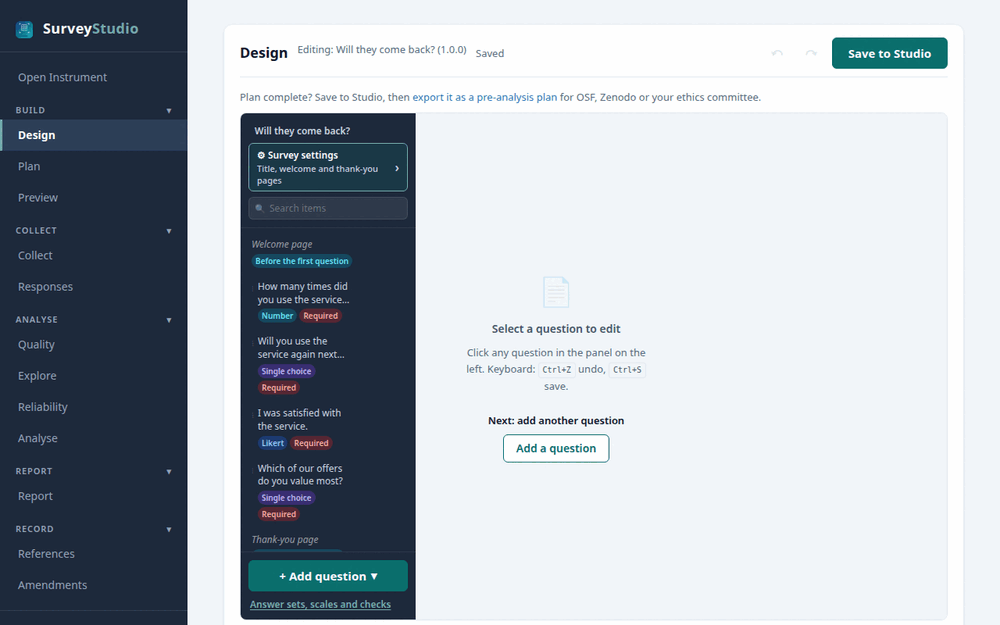
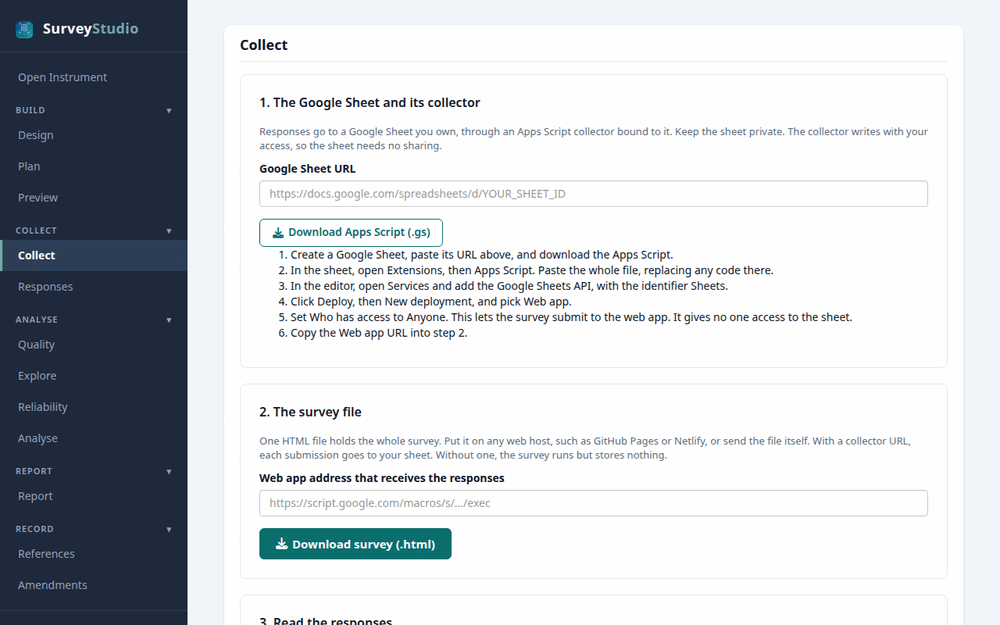
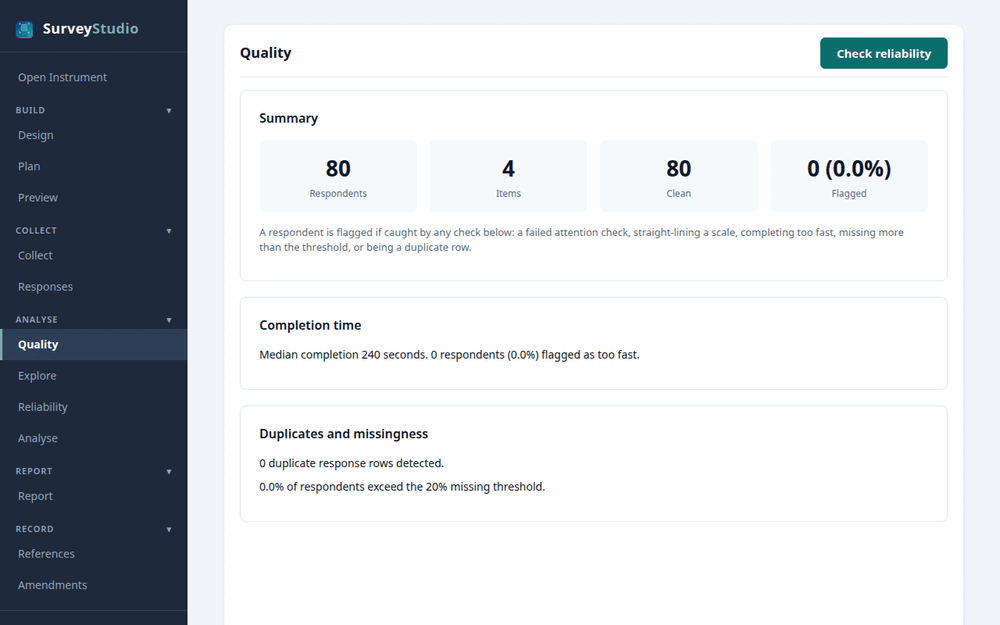
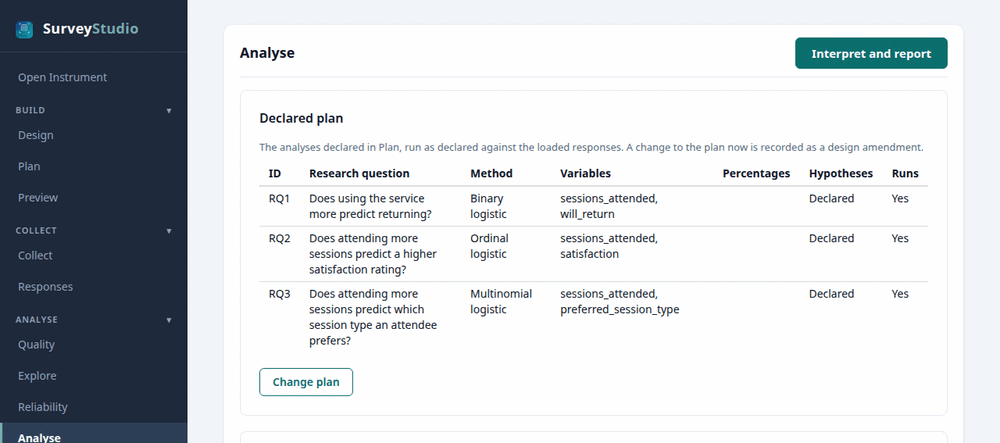
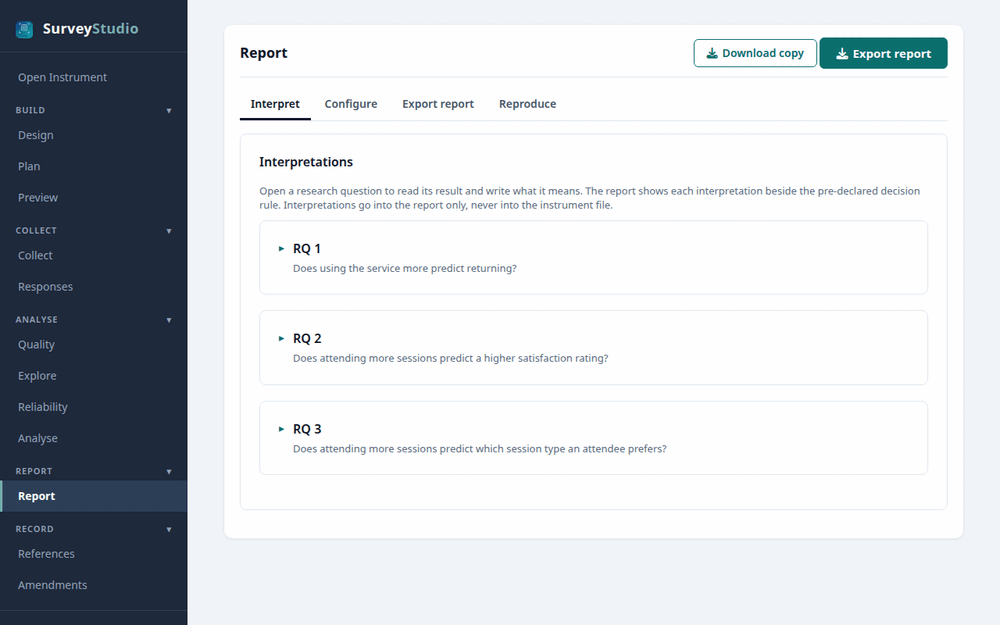
Open this instrument in SurveyStudio
- Set up R, RStudio and surveyframe as Get started shows.
- To explore the example with its demonstration responses, open
RStudio’s Addins menu, choose surveyframe: Try
a demo and pick
logistic, which opens this template’s study. - To make it your own study, download the instrument above, choose surveyframe: Open analysis workspace from the Addins menu, then Open Instrument in SurveyStudio’s left menu, and select the file.
- Adapt the questions on the Design screen and the research questions under Plan, press Save to Studio, then press Download copy on the Report screen to save your study.
Questions
Which model predicts a yes or no answer?
A binary logistic regression, with the odds ratio of each predictor and its confidence interval.
Optional R code
Open this study in R
d <- sframe_demo("logistic")
render_report(d$instrument)                 # the pre-analysis plan
results <- run_analysis_plan(d$responses, d$instrument)